
How to Connect Android Devices as Cameras with the Switcher App
The Switcher Remote Camera app turns your Android device into a wireless, remote camera angle for Switcher. With it, you can create more dynamic, engaging, and professional-looking videos and live streams.
Important to know: This app supports your production, it doesn’t run it.
- The Switcher app for Android allows you to use Android devices as remote cameras only.
- To start or run a livestream, you still need to use an iOS device or Mac as the main Switcher.
Connecting an Android Device with Switcher
Requirements
- Android 14 or later.
- Switcher Remote Camera App 1.0.0.
- iOS or OS device running Switcher version 13.16.0 or later. The latest Switcher version is always recommended>please check the App Store.
Compatible Android Devices
Android devices supported by Switcher's remote camera app include but are not limited to the following:
- Samsung
- Galaxy A15
- Galaxy S24 Ultra
- Google
- Pixel 8 Pro
- Motorola
- Moto G Power
- Moto G Stylus
- Moto G 5G
- Xiaomi
- Redmi Note 13
- Redmi Note 13 Pro
Installing the Switcher App
- Open the Google Play Store.
- Search for Switcher Remote Camera App.
- Tap Install.
Connecting an Android Device with Switcher
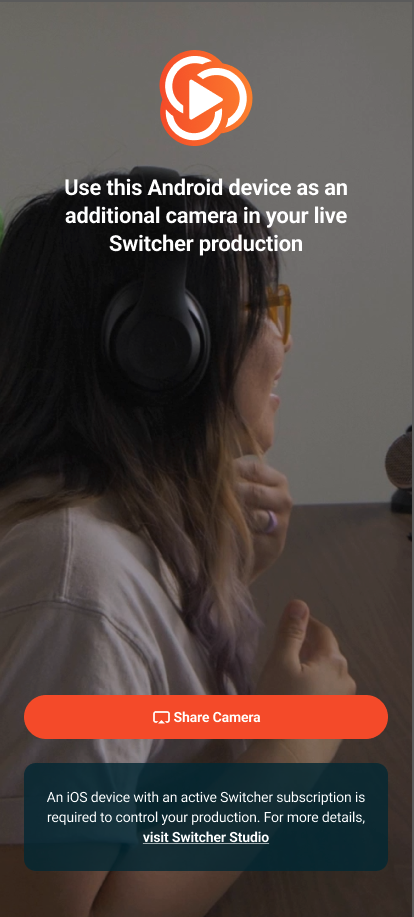
- Open the Switcher App on your Android device and tap Share Camera.
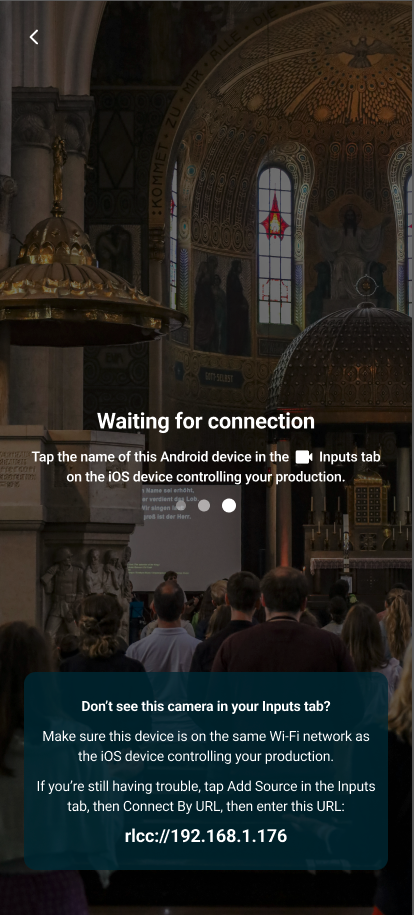
- Tap the name of the Android device in the Inputs Tab of the iOS or OS device controlling your production.
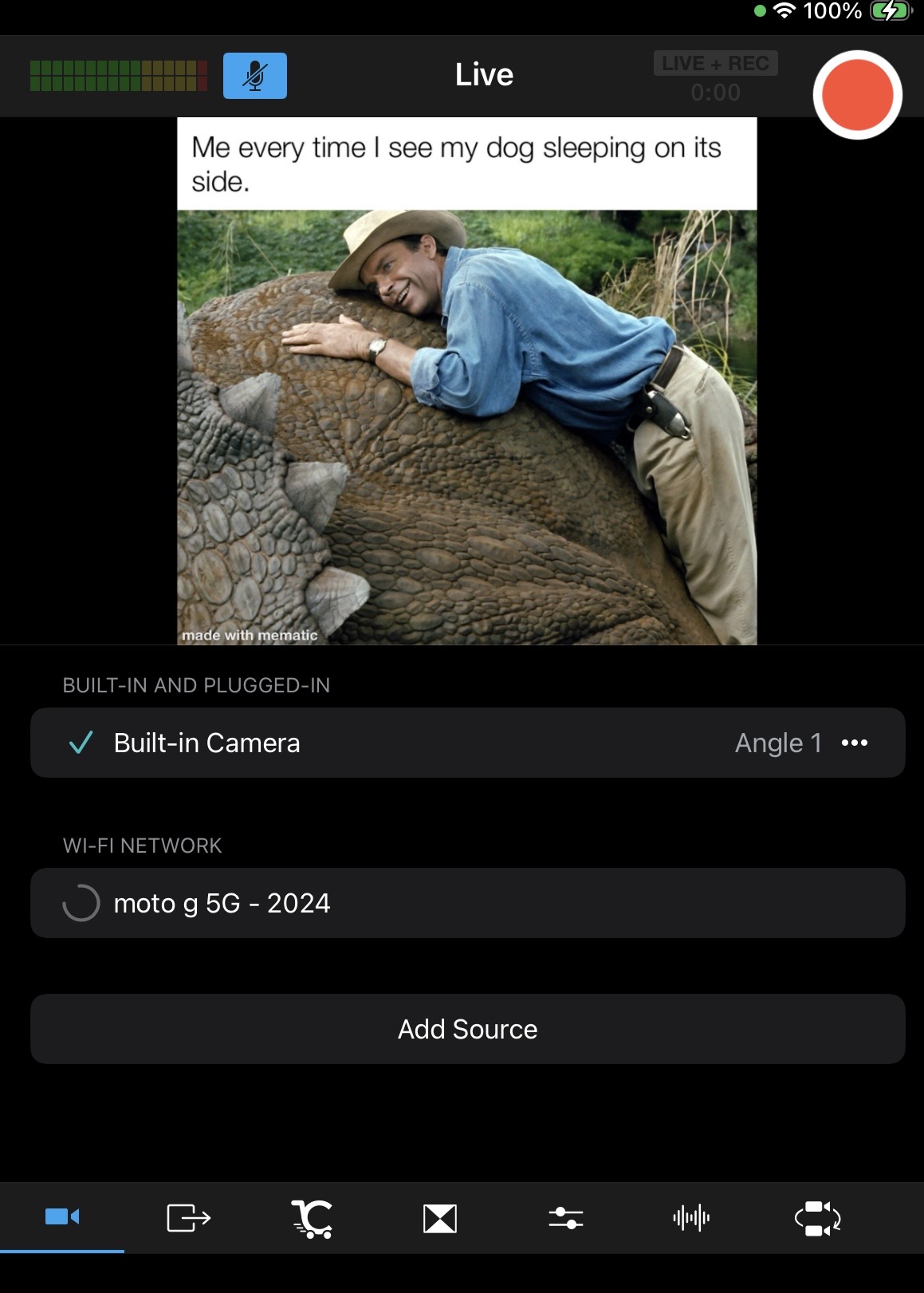
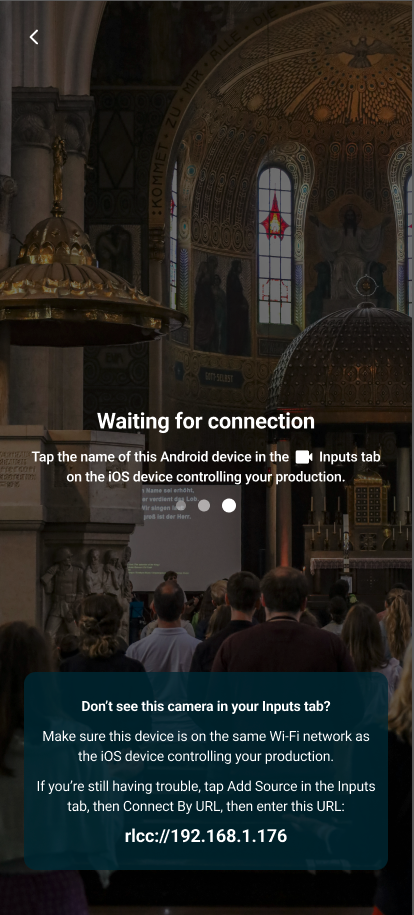
- Allow a few seconds for the devices to connect.
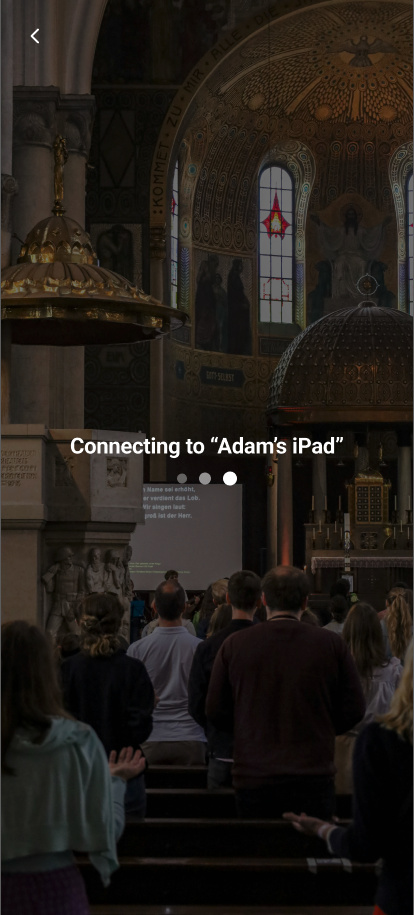
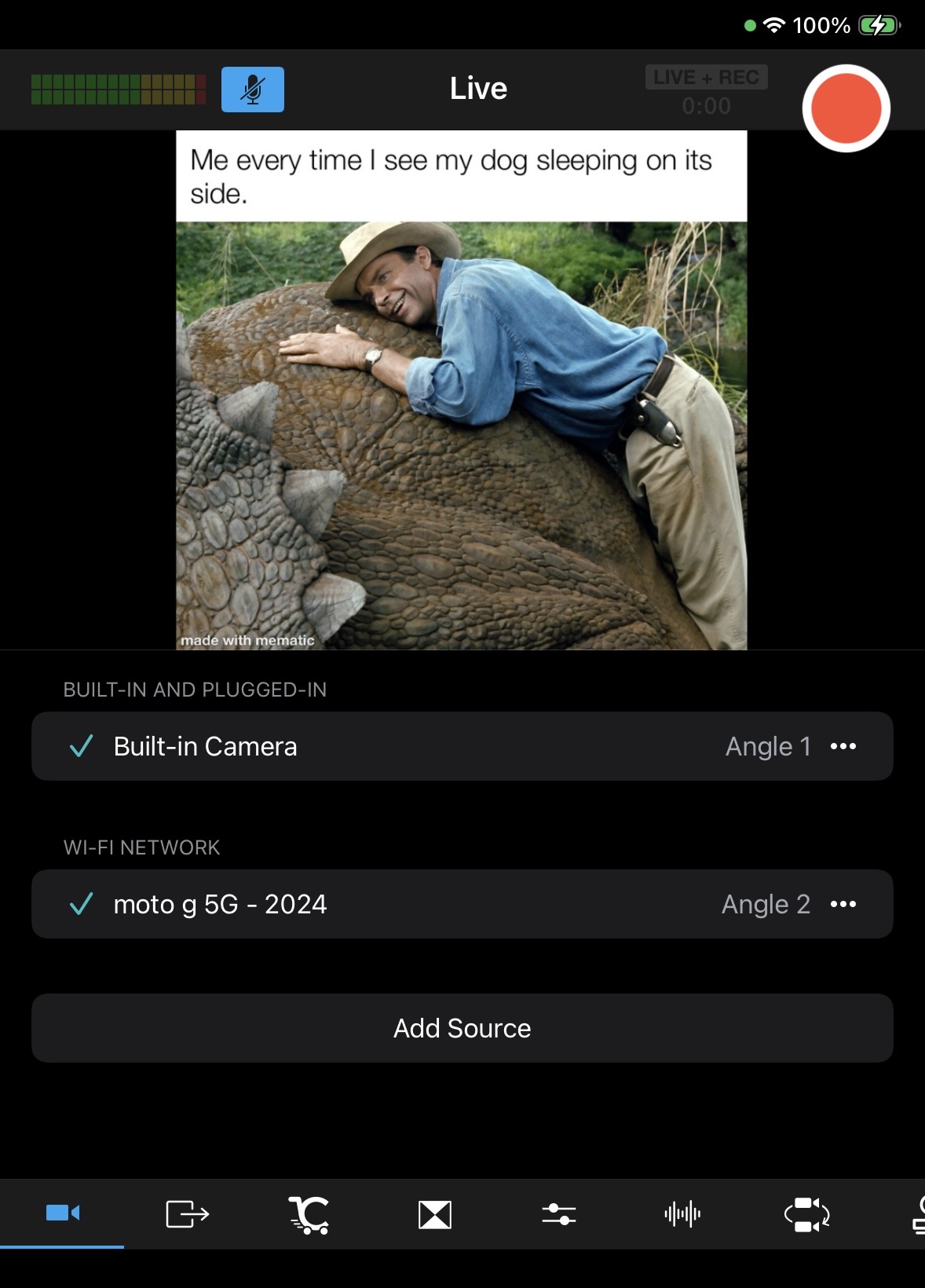
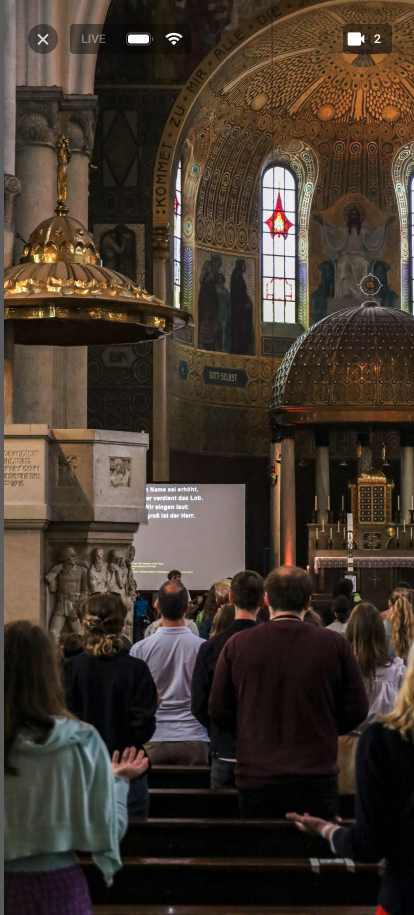
- The Android camera feed will be come visible on the Android screen and in the Sources Panel of the main Switcher device.
- Tap the camera feed in the Sources Panel of the main Switcher device to make it go "Live".
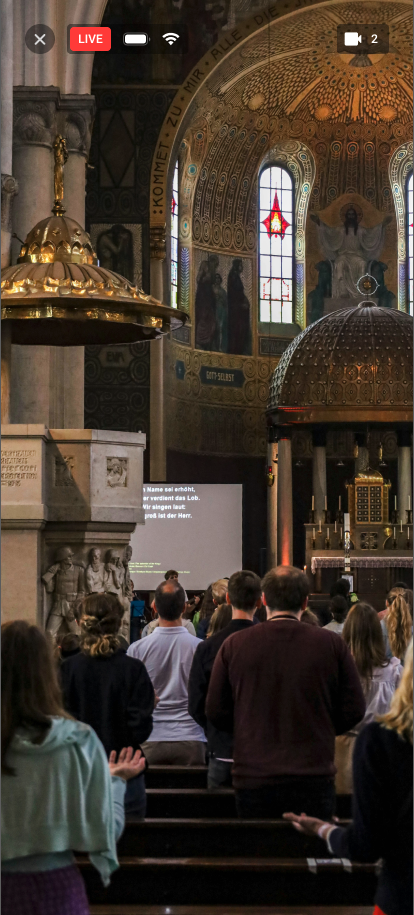
- To disconnect the camera, tap the X and then tap Disconnect.
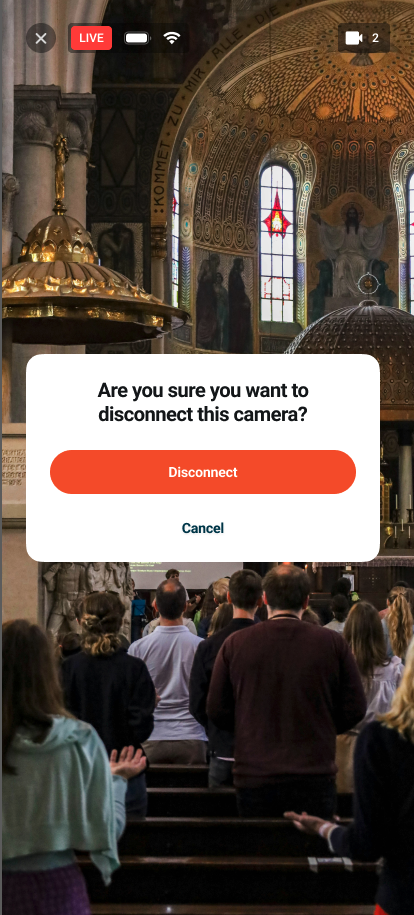
Disconnection Notifications
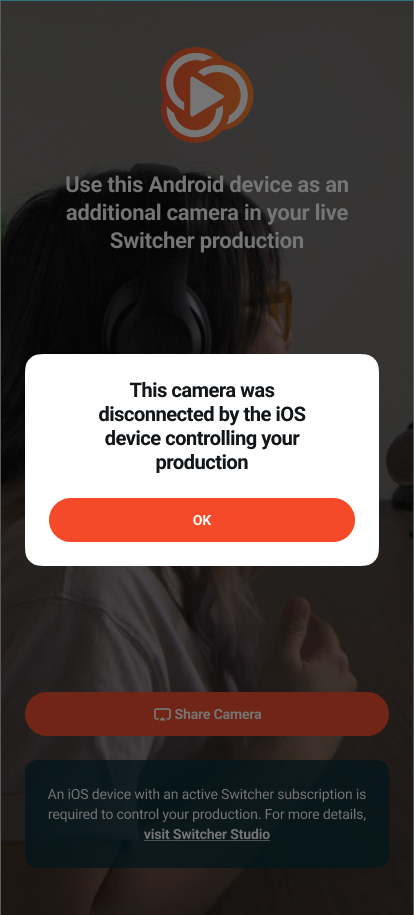
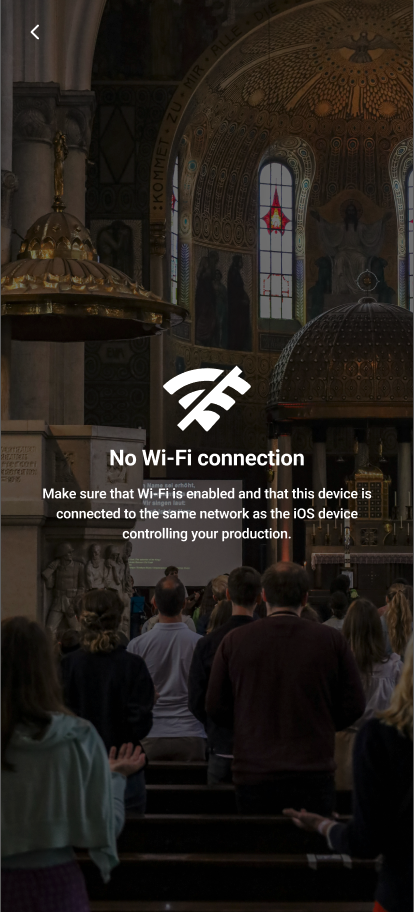
If your Android device disconnects from the main Switcher device or won't connect at all, it could be for a few different reasons.
- The camera was disconnected by the main Switcher device.
- There was a loss of Wi-Fi connection.
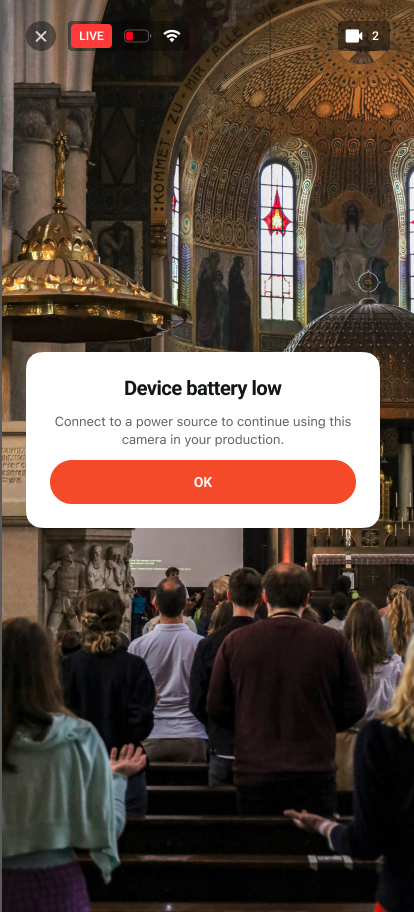
- If the Android device battery is low, there will be a warning notification to connect it to a power source before it dies.
Camera Control Features
- With the first iteration of the Switcher Remote Camera app, you can control the zoom of the Android device from the main Switcher. The ability to control the Zoom from the Android camera itself is not yet available.
- Simply toggle on the Zoom in the Camera Control tab (icon below) and use the zoom slider or the pinch method.

